Description
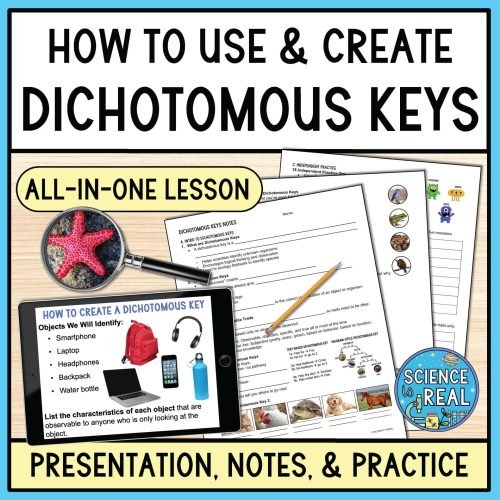
This engaging Dichotomous Keys PowerPoint teaches students how to read and create dichotomous keys using observable traits.
The lesson walks students through how to read, analyze, and create dichotomous keys step-by-step with clear examples, guided practice, and real-world applications students can easily understand.
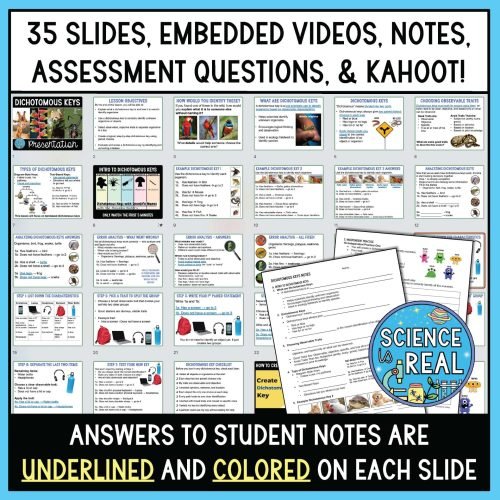
This all-in-one dichotomous keys lesson includes over 35 beautifully illustrated slides, editable students notes, an assessment, and a Kahoot review game.
Dichotomous Keys PowerPoint Package Includes:
- Interactive Dichotomous Keys Presentation: This text-editable 35-slide presentation covers how to use and create dichotomous keys from start to finish. (see more details below). The slides are creatively designed to captivate student interest with engaging content, short videos, and conclude with assessment questions. A PowerPoint and Google Slides version is included.
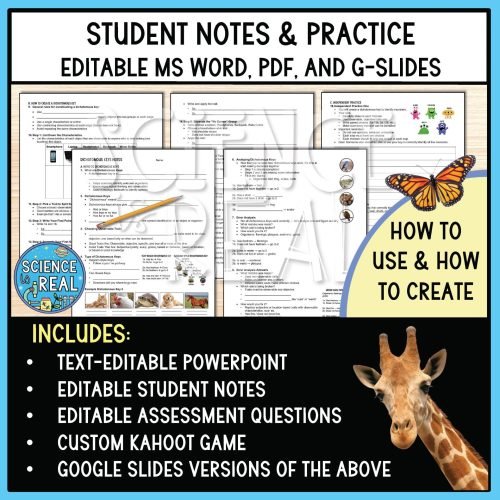
- Comprehensive Student Notes: Enhance students’ learning experiences with editable fill-in-the-blank-style notes corresponding to each slide. The notes are clearly organized, allowing students to follow along seamlessly. Answers are colored and underlined on each slide, providing clear guidance for note-taking. Editable MS Word, PDF, and Google Slides versions are included.
- Dichotomous Keys Assessment Practice Questions: Assess students’ understanding with the included short-answer assessment questions that reinforce key concepts discussed in the presentation. This ensures a well-rounded grasp of the material. Editable MS Word, PDF, and Google Slides versions are included.
- Custom Kahoot Game: Spice up the learning process with an exclusive Kahoot game tailored to the content of the presentation. This interactive element adds a layer of fun and reinforces learning through gamification.
- Answer Keys: This resource is designed to save you time and make your teaching experience smoother. Answer keys are included for the fillable notes and the assessment questions.
- Digital and Printable Versions
Dichotomous Keys PowerPoint Topics:
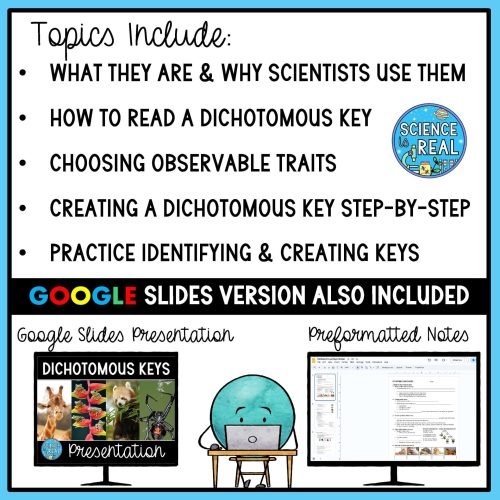
- What dichotomous keys are and why scientists use them
- How to read a dichotomous key
- Identifying and choosing observable, objective traits
- Understanding paired choices and decision paths
- Comparing different types of dichotomous keys
- Common mistakes and how to avoid them
- Building a dichotomous key step by step
- Practice identifying and creating dichotomous keys
As your students move through the slides, they will complete the student notes. Notes are chunked in order by slide and answers to notes are colored and underlined on each slide so students know exactly what to write down.
The Google Slides version includes the PowerPoint with embedded videos, Kahoot, and assessment questions. The Google Slides PowerPoint notes contain pre-formatted text boxes.
Dichotomous Keys PowerPoint Includes:
- 35-slide text-editable PowerPoint Presentation
- Editable MS Word fill-in-the-blank notes (5-pages)
- PDF version of notes
- Editable assessment in MS Word (1-page)
- PDF version of assessment
- Custom Kahoot link
- Keys for notes and assessment
- Google Slides versions of presentation, notes, and assessment